DHCP
Another network service that will make your job in IT support easier is DHCP, a Dynamic Host Configuration Protocol
When managing IT infrastructure and you want to connect a computer on a network you have two options:
1. You can grant a static IP address or give it a DHCP assigned IP address. When you use the static IP address, you have to keep track of every IP address you assigned a computer and manually entered in the network settings.
2. If you enable DHCP, your computers will be leased an IP address from a DHCP server. They’ll automatically get IP addresses and you don’t have to worry about manually setting addresses.
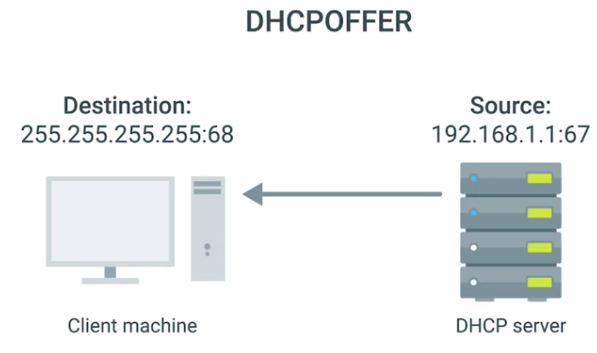 To configure a DHCP server, you’ll need to figure out which IP range you can use to assign IP addresses. If you want to integrate with DNS you need the address of your local DNS servers what gateway you should assign and the sub net mask that gets used.
Windows Server versions come with the DHCP service built in. Once you turn on your DHCP server and your clients are set to receive DHCP addresses instead of static IP addresses you should have working the DHCP settings