Windows - Devices and Drivers
Driver: Used to help our hardware devices interact with our Operating System
Device manager: A console management system for your device
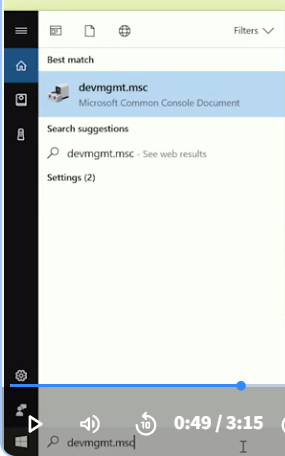
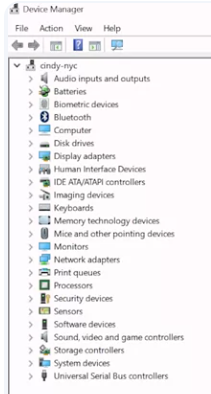
PnP = Plug and Play
- Windows uses to automatically detect new hardware plugged into your computer. It then recognizes and installs the appropriate software to manage it.
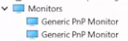 When Windows notices that a new device has been connected, the first thing it will do is ask the device that’s been plugged in for its hardware ID. Once Windows has the new devices hardware ID, the OS uses it to search for the right driver for the device.
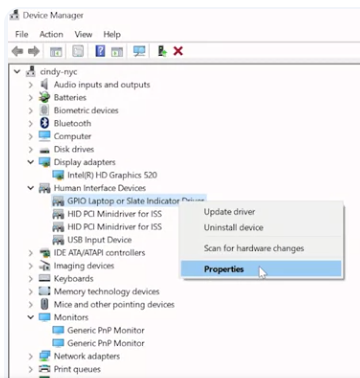
You can uninstall disable and update a device driver from this menu, you can also tell Windows to look for hardware changes, like a newly plugged in device. Finally, if you choose properties from the right click menu, you can see some details about the device and its driver. Like its manufacturer and the driver version being used.
For an Introduction to Plug and Play click here
For more information on hardware identification click here