Windows - Command History
PowerShell feature called history
Each and every time you enter in a command, it gets saved into memory and add it to a special file. You can go through the previous commands you used with the history command.

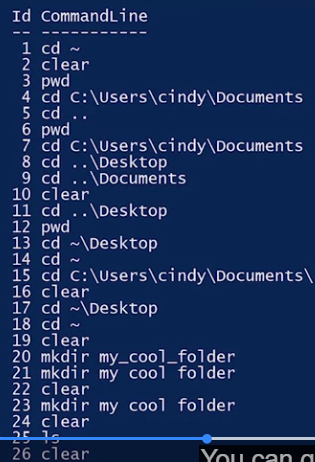 We can scroll through these commands with the up or down keys on our keyboard.
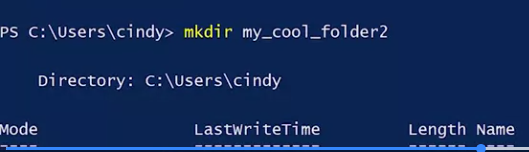
Instead of typing the whole thing to make a new folder, I’m just going to append the number two to my command.
Our shell is looking a little cluttered. It’s kind of hard to see where I’m at. So let’s clean up our shell a little bit. We can do that with the clear command. This doesn’t wipe your history, it just clears the output on your screen.
