Windows - Display File Contents
Viewing the contents of a file in PowerShell is simple using the cat command, which stands for concatenate. Let’s give it a try.
 This will dump the contents of the file into our shell. This isn’t the best solution for a file, since it just keeps writing the content until the whole file is displayed. If we want to view the contents of the file one page at a time, we can use the more command like this.
 The Enter key advances the file by one line. You can use this if you want to move slowly through the file. Space advances the file by one page.
The Q key allows you to quit out of more and go back to your shell. If we want to leave the more command and go back to our shell, we can just hit the Q key.
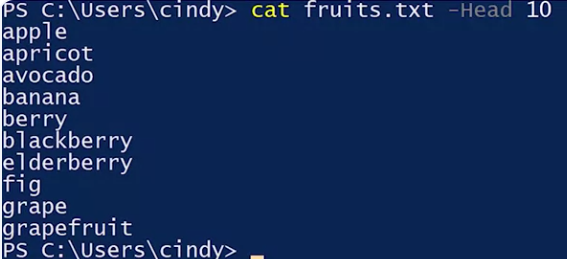
Let’s say we want to quickly see what the first few lines of a text file are.
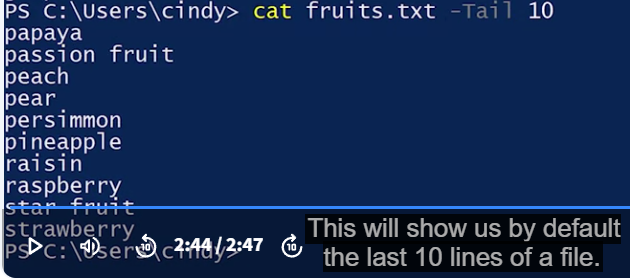
We don’t really want to open up the whole file. Instead, we just want to get a glimpse of what the document is. This is called the head of the file. To do this, we can go back to cat and add the dash head parameter. This will show us the first 10 lines of a file.