Linux - Passwords
To change your password in Linux, all you need to do is run the P-A-S-S-W-D, or password command.
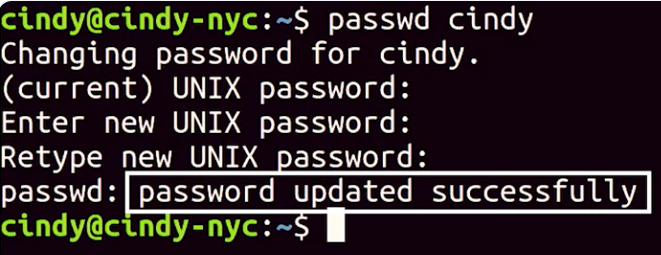 When you set a password, it’s securely scrambled then stored in a special privileged file called /etc/shadow.
If you’re managing a computer and you want to force a standard user to change their password, like we did in Windows, you can use the -E or expire flag with password like this.
 This will immediately expire a user’s password and then make them set a new password the next time they login.