Windows - Copying Files & Directories
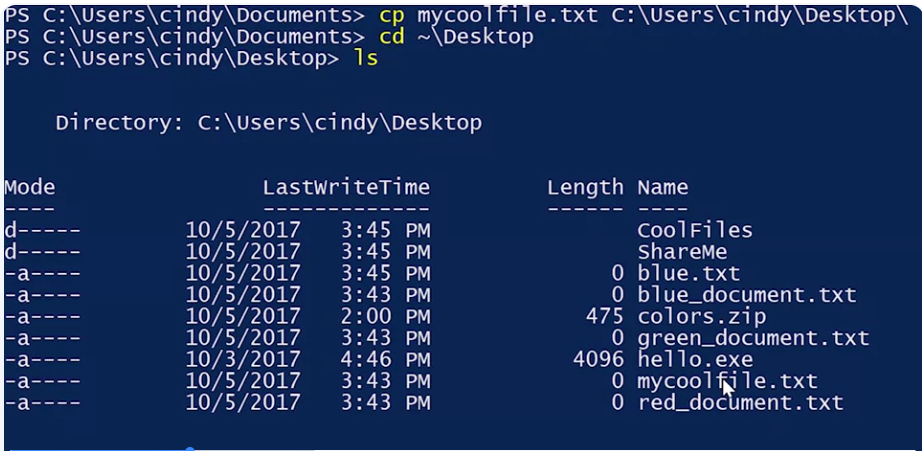
In Powershell, the command used to copy something is CP. We also need to add a file that we want to copy and the path of where we want to copy it to. Let’s copy mycoolfile.text to the desktop. There you can see mycoolfile.text was added to our desktop.
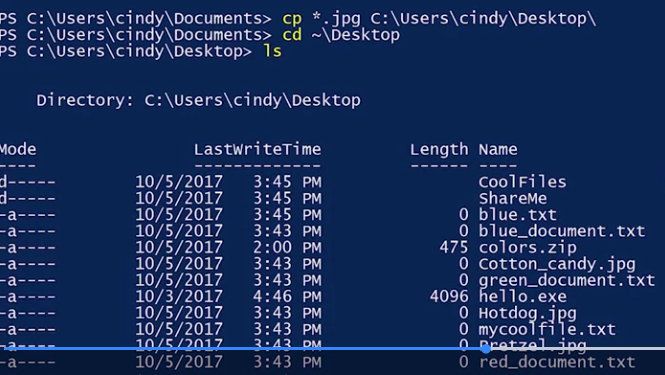
use something called the wildcard to help me copy over multiple files at once. A wildcard is a character that’s used to help select files based on a certain pattern.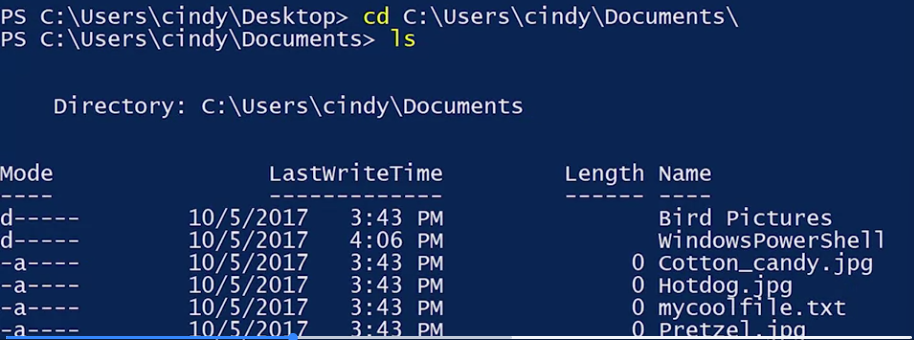
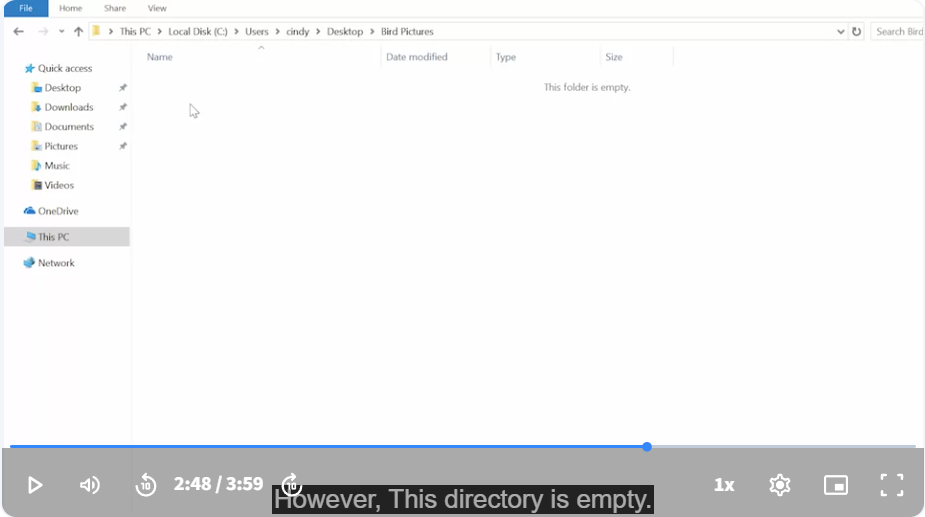
let’s say I want to copy over a directory. I’m going to try to copy a folder called Bird Pictures to my desktop. Let’s just go back into Documents. There’s Bird Pictures, now cp “Bird Pictures” to Desktop. Now, this does exactly what we told it to do. It copies the directory, but the directory is empty.