Linux - Operating System Updates
when you run apt upgrade, it doesn’t upgrade the core operating system. In Windows, our OS package is Windows 10, in Linux, it’s the kernel along with other packages. The kernel controls the core components of our operating system. Like our word processors, the kernel is just another package. The kernel developers regularly include security patches, new features and fixes for bugs in their updates.
If you want to to get all these things, you should be running a new kernel. To first view what kernel version you have, we’re going to learn a new command called uname, the uname command gives us the system information. If you use the -r flag for kernel release you’ll see what kernel version you have.
 You can see that I have kernel version 4.1 on here.
To update the kernel and other packages, we use our nifty app command with the option full dash upgrade. Before running this command, remember to update your application sources with apt update, sudo apt update
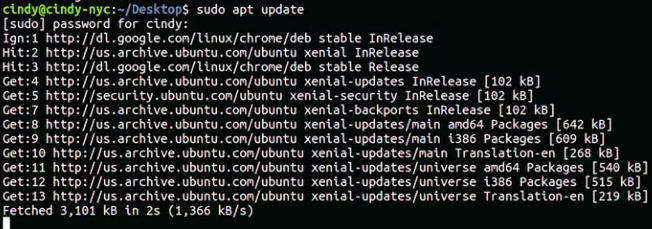 And now we can run sudo apt full upgrade
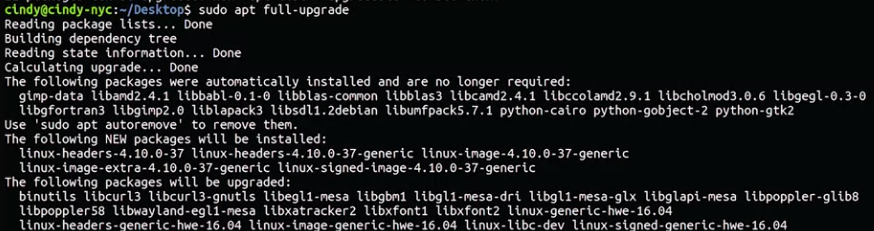 If there’s a new version of the kernel available, it’ll install it for us.
For more information on updating various distributions of Linux, visit this Linux Foundation article.
For more complete command information for using apt in Ubuntu, visit Ubuntu’s guide here