Linux - Adding and Removing Users
To add a new user in Linux, you can use the user add command, sudo useradd juan. This will set up basic configurations for the user and set up a home directory.

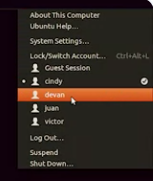
We can verify that one was created there.
 You can combine this with the password command to make the user change their password on login. To remove a user, you can just use sudo userdelete juan.
